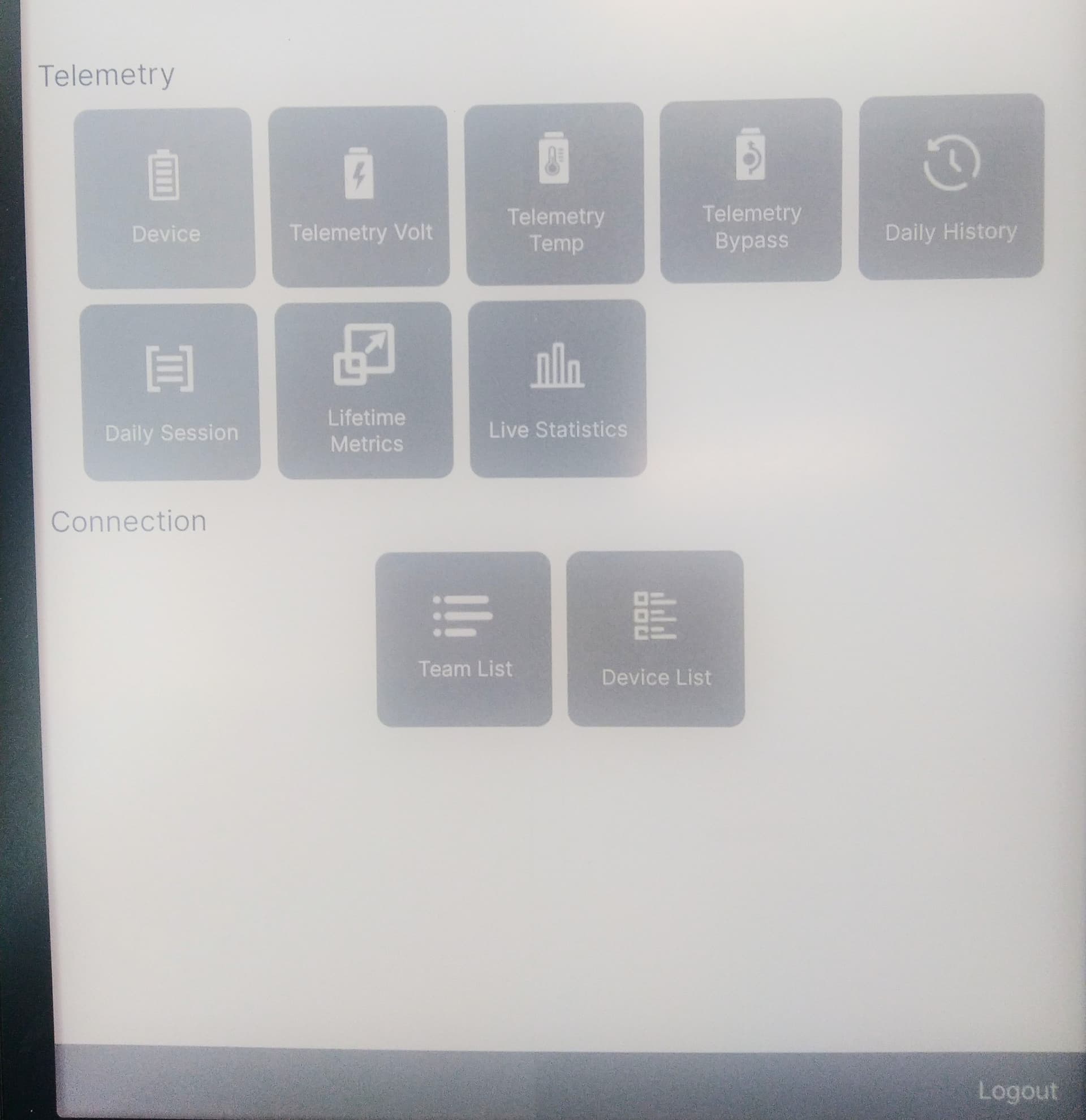
Just wanted to let you know that our mobile apps have had a major update including:
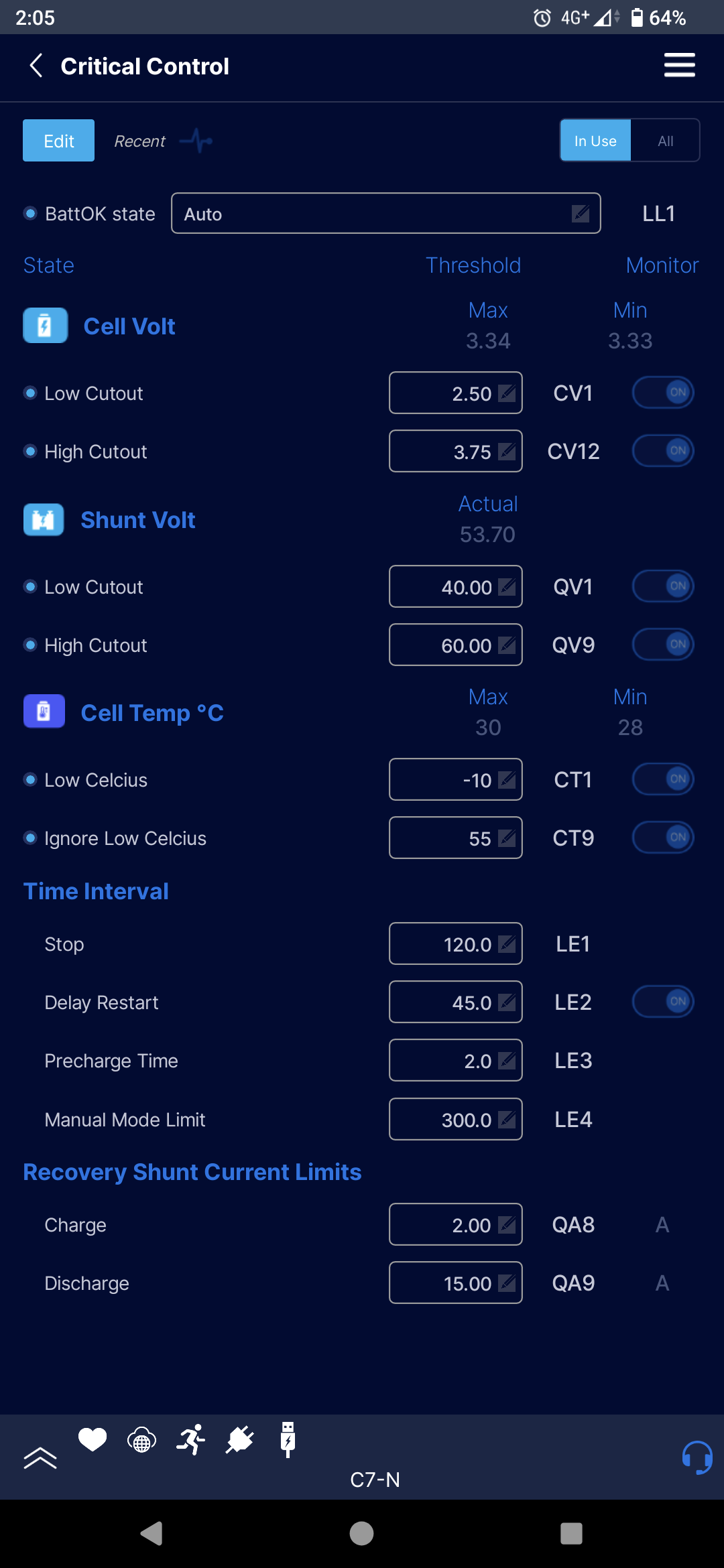
Configuration of your device is now available on mobile, available over Wi-Fi or BMI
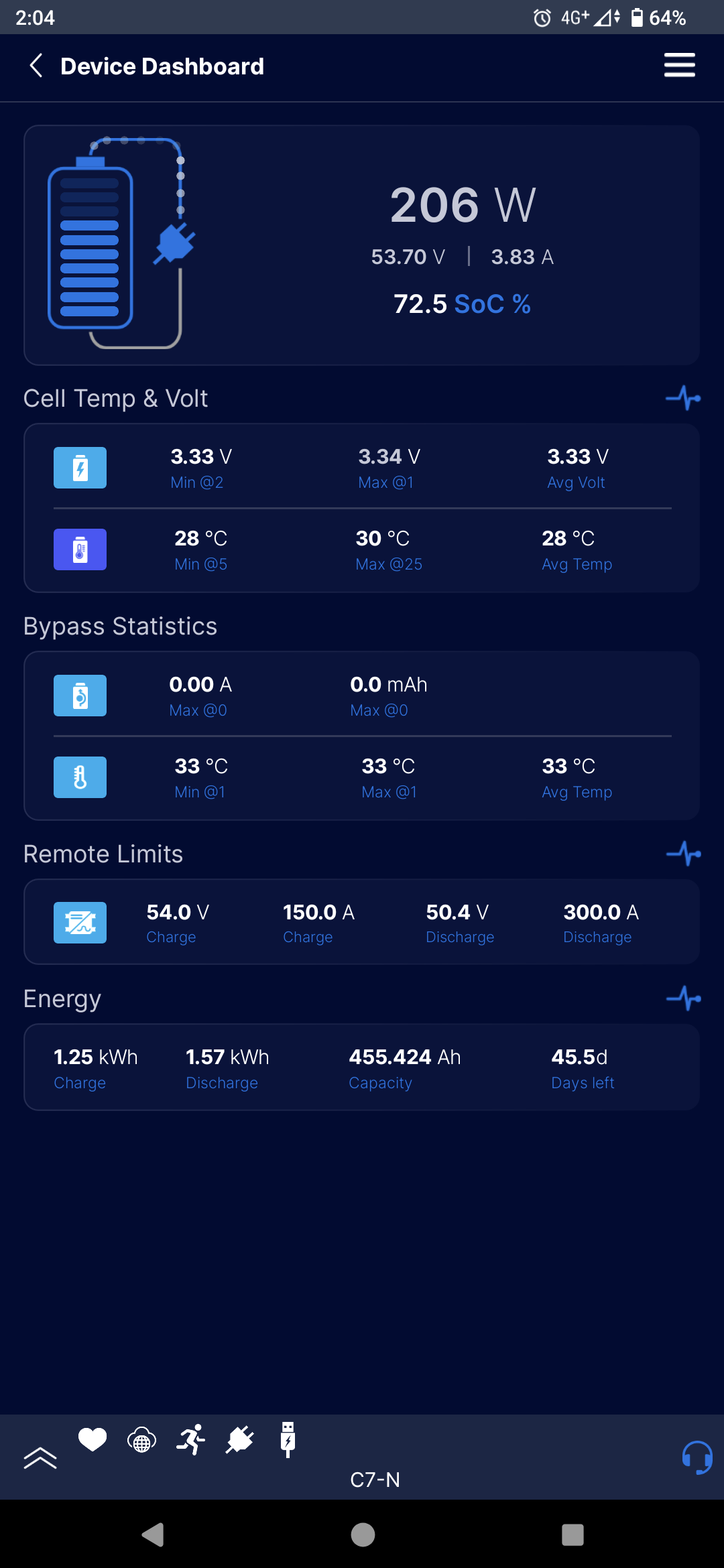
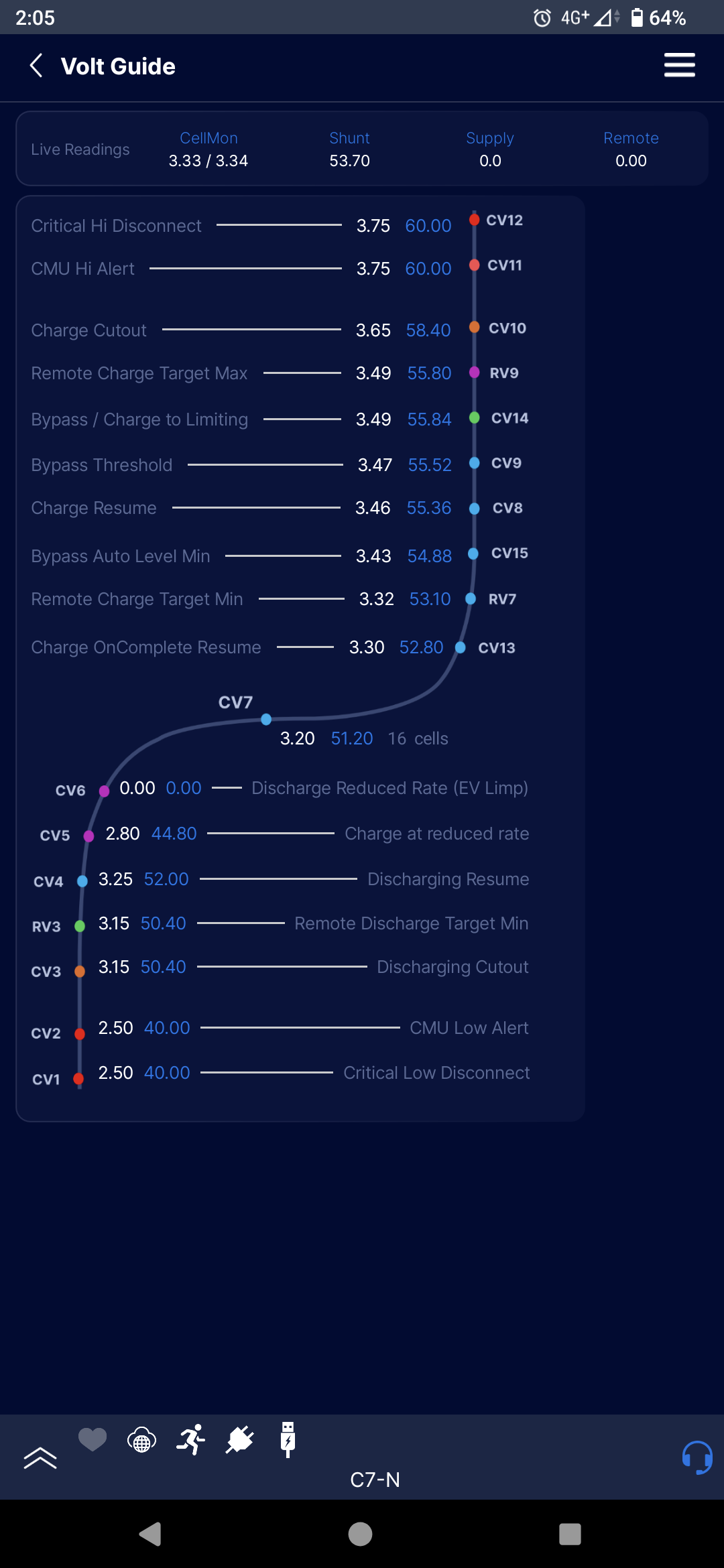
Updated interface for easier use and understanding
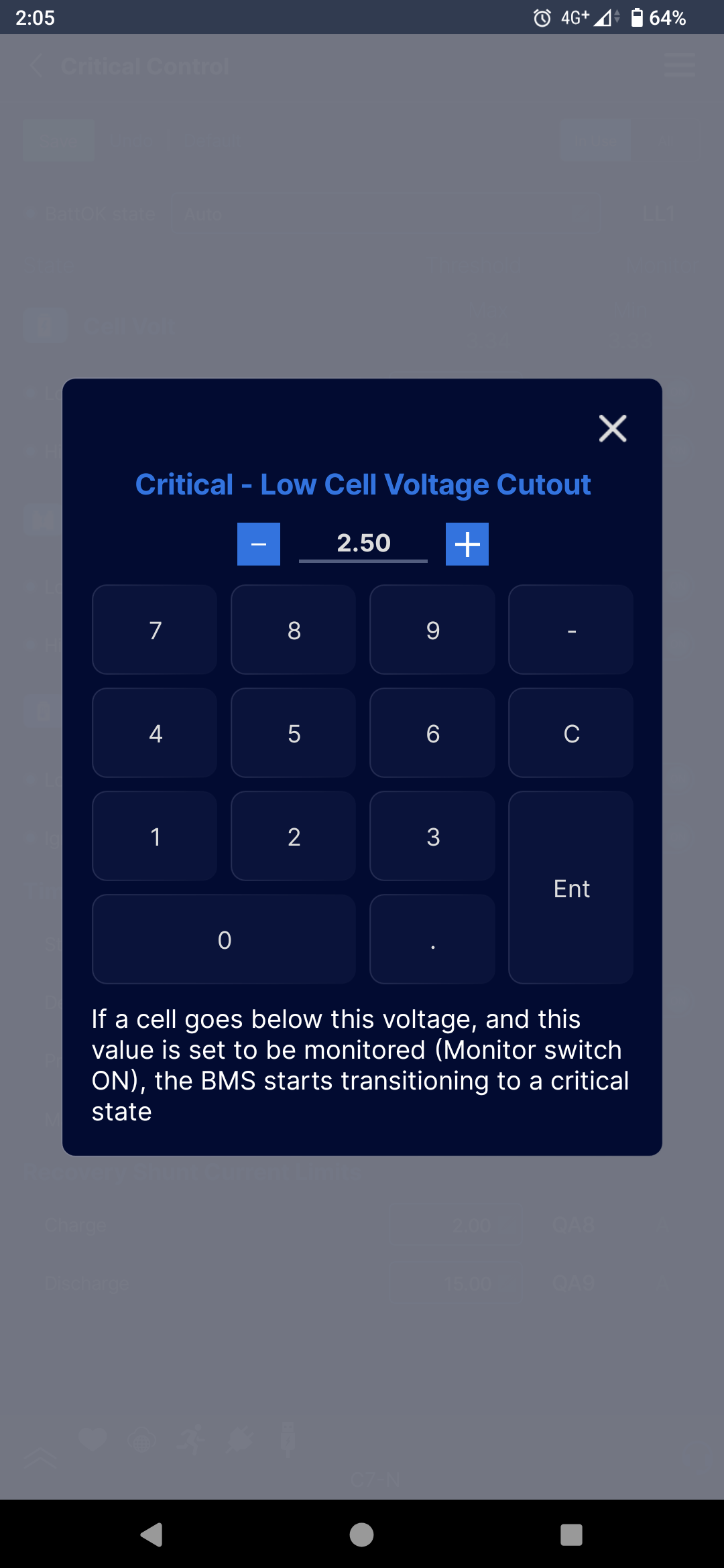
Tooltips describing setting functionality (i.e. tap on CV9)
We’ve got more features on the way to bring it up to speed with our original desktop app ToolKit2, if you have any problems feel free to let me know and I’ll pass them on!
I have the same issue with two systems. Batrium App 3.0.77 on Android. I am connected through the Web. I see both systems serial number on the systems menu page.
Thank you very much for bringing this issue to our attention
We’ve looked into it, and it turns out it originates from our system for sending updates out to a select few users first to beta test.
We’ll be pushing out a fix next really soon (hopefully less than a week), and we’ll let you know when it’s out.
In the meantime, Wi-Fi config should work on the app, and if you haven’t already, update your ToolKit2 to at least version 2.17.55, and your firmware accordingly so that everything works smoothly when it’s ready.
FWIW - Just looked at the app on my iPhone because of this thread. I sometimes use WiFi mode to see my 2 units (Home powerwall and Trailer) here at home. WOW/Fantastic really looks really nice and showing a pretty complete (if not 100% complete) set of edit controls.
And what’s cool, this is working for my 8yr old Watchmon Core (Hardware version 4.2) and my semi newer Watchmon 4 (Hardware version 4.3) without trying to force an update (which I will not be doing / don’t want to risk it) the way the Windows toolkit does. Extra nice!
We’ve been hard at work getting the kinks out of our latest version, and we’re finally happy with its performance. There have been a few tweaks in the release that came out today:
The app will now remember the device you were on, and bring you straight to the stats page rather than deep in config or asking which device you want to look at.
Greatly improved stability, we are seeing far fewer timeouts and crashes with our latest version
More responsiveness on Android due to dropping legacy tech
Config should now be available to anyone, over Web Access or Wi-Fi
Please let me know if you run into any issues with 3.1.5, and I’ll pass them straight to our developer!
No changes on my end; after updating the app on my Android device to version 3.1.5, there is still no option to configure the BMS over the Web. Or it’s so hidden that I can’t find it.
Thank you for PMing me your serial number, I can see you are on the latest firmware.
Could you try something for me: Could you log out of the app and log back in again? Let me know if that changes anything.
Could you also hold down your finger on the app icon, hit “app info” and send a photo of your app version and the text below it (may need to scroll down)? This will help our app developers.
latest WatchMon software and App version v3.1.5 (3084) with ID com.batrium.cumulus2. I am using a de-googled Android named LineageOS 23.2 with microG replacement for GApps. May this cause the problem, that configuration of the BMS is not possible?
3.1.6 has just been pushed out and is ready to download.
We’re confident this sorts out the configuration availability issues, but I am very keen to hear from you with real feedback to pass back to our developers!